
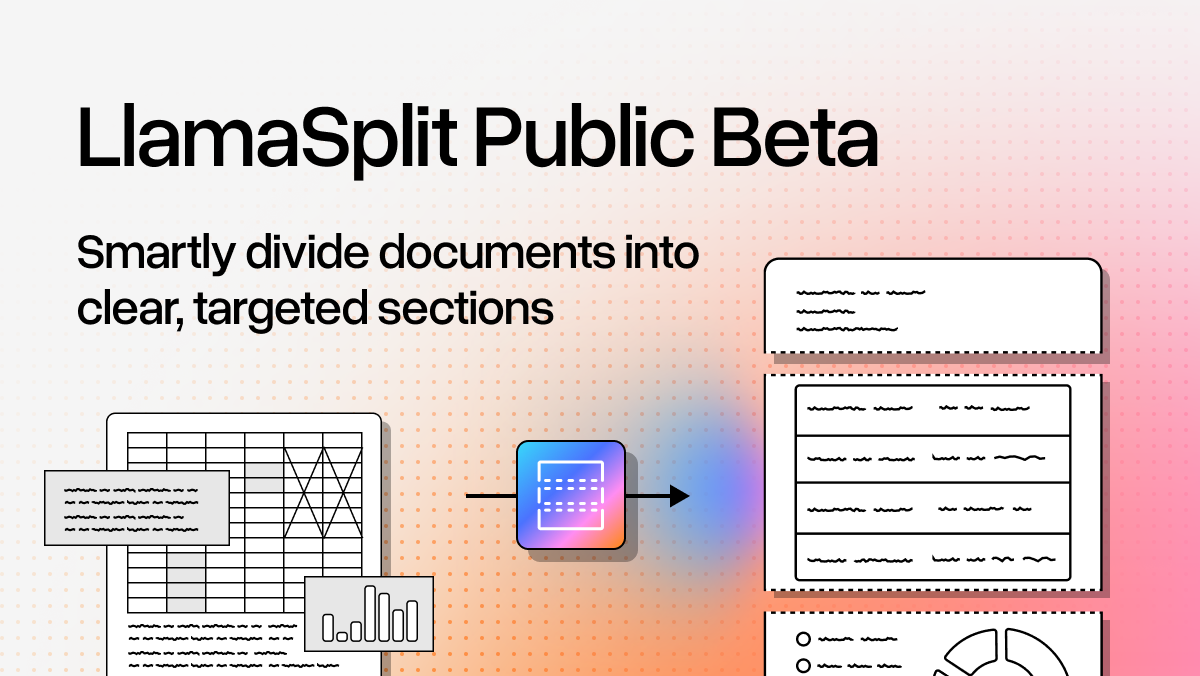
LlamaSplit joins our family of LlamaCloud products, providing a complete suite of tools for agentic document intelligence. This new API (in beta) automatically separates the contents of documents into distinct sections based on categories you define. It’s a common challenge, where what is actually multiple distinct documents are bundled together for ease of consumption, for reports and filings and much more. For example:
- A stack of 50 resumes from a recruiting event
- Mixed financial documents (invoices, receipts, contracts all in one file)
- A collection of research papers or reports
- Court filings with exhibits, affidavits, and supporting docs
However, for downstream tasks that are intended to work on each individual and distinct segment of the document, we need to be able to identify where those segments are and categorize them appropriately. Manually splitting these is tedious and doesn't scale.
How LlamaSplit Works
LlamaSplit uses AI to analyze page content, classify pages into your defined categories, and group consecutive pages of the same category into segments.
Here's what you do:
- Upload your document
- Define your categories with natural language descriptions
- Get back segments with exact page ranges and confidence scores
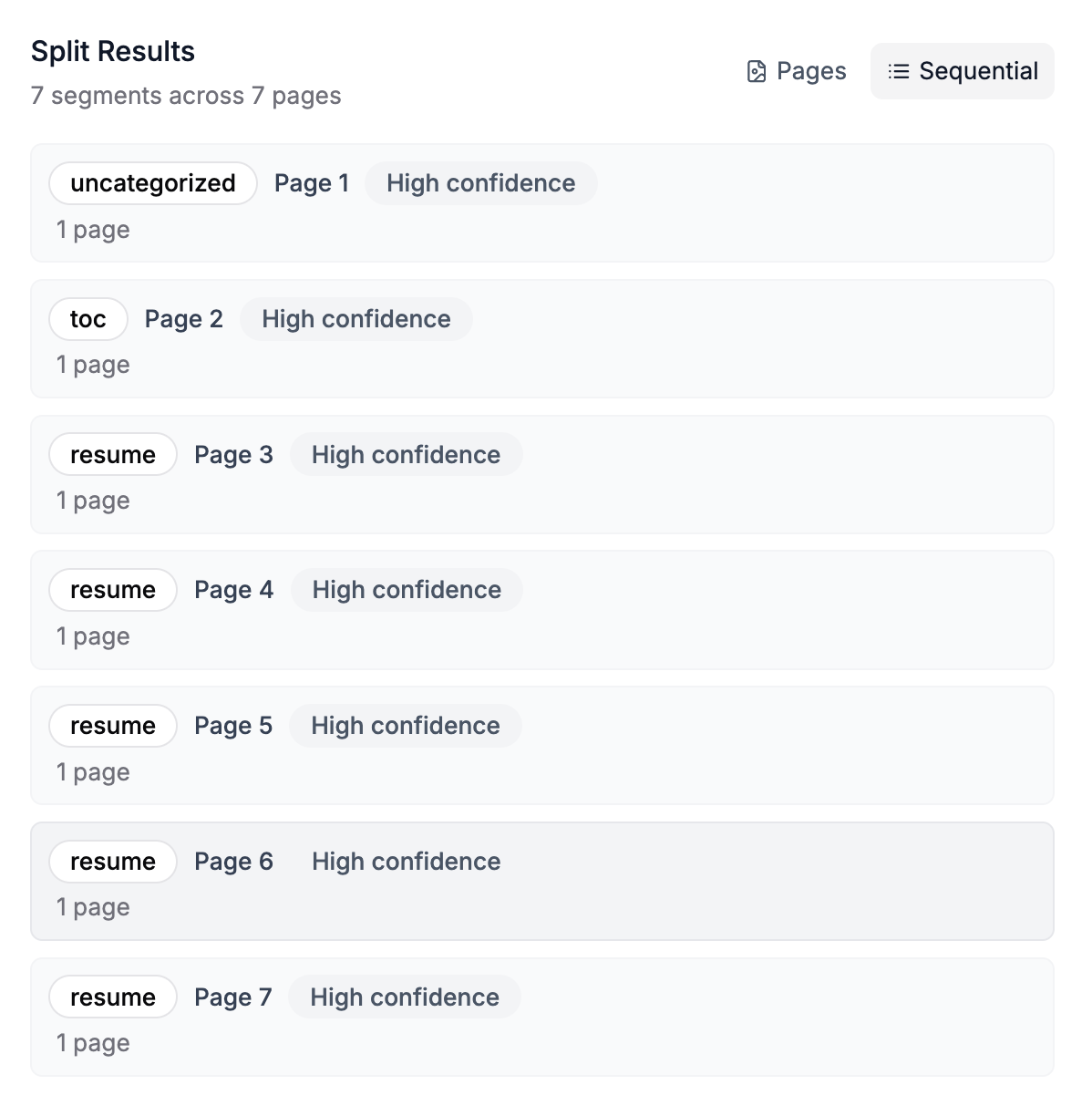
For example, let’s say you have a PDF with a stack of resumes. The document comes with an opening page, a table of contents and then proceeds with the list of resumes one after the other. You can define the two categories you’re interested in, “toc” and “resume” for example, and optionally turn on “uncategorized pages”:
LlamaSplit analyzes the content and returns split results indicating where each split starts and ends:
Using LlamaSplit through the API
You also have the option of using LlamaSplit through the API (SDK support coming). For example, let's say you have a PDF with Alan Turing's essay followed by two research papers (ImageNet and "Attention is All You Need"). You define two categories:
python
categories = [
    {
        "name": "essay",
        "description": "A philosophical or reflective piece of writing that presents personal viewpoints, arguments, or thoughts on a topic without strict formal structure"
    },
    {
        "name": "research_paper",
        "description": "A formal academic document presenting original research, methodology, experiments, results, and conclusions with citations and references"
    }
]
LlamaSplit analyzes the content and returns:
html
Segment 1: essay (Pages 1-4, high confidence)
Segment 2: research_paper (Pages 5-13, high confidence)
Segment 3: research_paper (Pages 14-24, high confidence)
Each segment tells you exactly where each document is, so you can extract it, process it, or route it to the right workflow.
Real-World Use Cases
Here's what becomes possible with LlamaSplit, removing the need for teams to spend hours manually separating document bundles:
HR & Recruiting: Split a PDF of 50 resumes into individual candidate documents for separate processing in your ATS
Financial Services: Separate mixed document bundles (bank statements, invoices, receipts) and route each type to its appropriate workflow
Legal: Break down court filing packages into complaints, exhibits, and affidavits for targeted analysis
Healthcare: Organize patient charts by document type (lab results, prescriptions, clinical notes) for EMR categorization
Real Estate: Split property disclosure packages into inspection reports, title searches, appraisals, and disclosures
What Makes It Different from Classify
We already have LlamaCloud Classify, which categorizes entire documents. LlamaSplit is different—it looks inside a single document and finds the boundaries between different categories.
Use Classify when: You have separate files and need to categorize each one
Use Split when: You have one file containing multiple documents and need to separate them first
Working with Split Results
Once you've split a document, you can:
- Combine with LlamaExtract: Run targeted extraction on each segment (extract resume data from candidate segments, invoice data from invoice segments, etc.)
- Route to agent workflows: Send each segment type to its appropriate agent
Get Started
LlamaSplit is in beta and available via REST API (SDK support coming soon).
Check out the Getting Started guide and tutorial to try it out.
We're excited to see what you build with it. Let us know what document separation challenges you're tackling—your feedback will shape where we take this next.